

Learning path
Learn AI Productivity
Five levels, from your very first prompt to measuring real productivity gains. Each guide explains one step in simple words, with diagrams, tables and examples from the tools in our comparison and the models in our LLM database. Start at Level 0 if AI is new to you, or jump to the level that fits.
25 guides in 5 levels · Back to AI Productivity
The five levels
- 0 Start here No prior knowledge needed: what AI does, the key terms and your first steps. 5 guides
- 1 Beginner First real tasks with AI tools: simple techniques that work right away. 5 guides
- 2 Intermediate Workflows instead of single prompts: combine tools and check the quality. 5 guides
- 3 Advanced Automate, integrate and measure: AI as part of your systems. 5 guides
- 4 Expert Strategy, architecture and evaluation at the level of specialists. 5 guides
Level 0 · Start here
No prior knowledge needed: what AI does, the key terms and your first steps.
Level 0 · Part 1
What AI Can Do for Your Everyday Work (and What It Can't)
A plain-English start: which everyday tasks AI tools handle well, where they fail, and how to try your first task safely.
Level 0 · Part 2
Chatbots, Assistants, Generators: The Main Types of AI Tools
Chat assistants, writing helpers, answer engines, meeting tools, slide makers, media generators, planners: what each type does and when you need one.
Level 0 · Part 3
What Is a Large Language Model? LLMs Explained Simply
How large language models work, in plain words: next-word prediction, tokens, training, the context window — and why fluent answers can still be wrong.
Level 0 · Part 4
Your First Prompt: How to Talk to an AI Assistant
What a prompt is, a simple formula for clear requests, vague and clear prompts side by side, and how follow-up questions turn a weak answer into a useful one.
Level 0 · Part 5
How to Choose Your First AI Tool: A Simple Checklist
Eight questions to ask before you sign up for an AI tool, a quick way to filter our tool comparison, a one-week test plan and a decision table.
Level 1 · Beginner
First real tasks with AI tools: simple techniques that work right away.
Level 1 · Part 1
Prompting Basics: Role, Task, Context and Format
The four building blocks of a good prompt — role, task, context and format — with examples, a template and exercises for your daily work.
Level 1 · Part 2
Write and Edit Faster with AI: Emails, Reports, Posts
Use AI to draft, rewrite, shorten and proofread emails, reports and posts, while you keep your own voice, check the facts and protect your data.
Level 1 · Part 3
Research with AI and Check the Sources
How chat assistants and answer engines find information, how to check a claim in three moves, and a five-step research routine for everyday work.
Level 1 · Part 4
AI Meeting Notes: Record, Summarize, Act
How AI meeting assistants record, transcribe and summarize, what to tell participants, where they make mistakes, and how to turn notes into real tasks.
Level 1 · Part 5
Create Your First AI Image: Prompts, Styles, Rights
How to describe subject, style, composition, light and format in an image prompt, refine the result, fix typical errors and check rights before you publish.
Level 2 · Intermediate
Workflows instead of single prompts: combine tools and check the quality.
Level 2 · Part 1
Prompt Patterns That Work: Examples, Steps and Checklists
Seven prompt patterns for everyday work: examples, steps, a plan first, checklists, constraints, critique and revise, role play — and when each one helps.
Level 2 · Part 2
AI Presentations: From Outline to Finished Slides
Build a presentation with AI in five steps: message and outline first, then generated slides, fixed charts and data, speaker notes and an accessibility check.
Level 2 · Part 3
Plan Your Week with AI: Calendars, Tasks and Focus Time
How AI calendars schedule tasks, focus time and buffers, how to sort your tasks with AI, and a weekly planning routine that keeps your priorities in charge.
Level 2 · Part 4
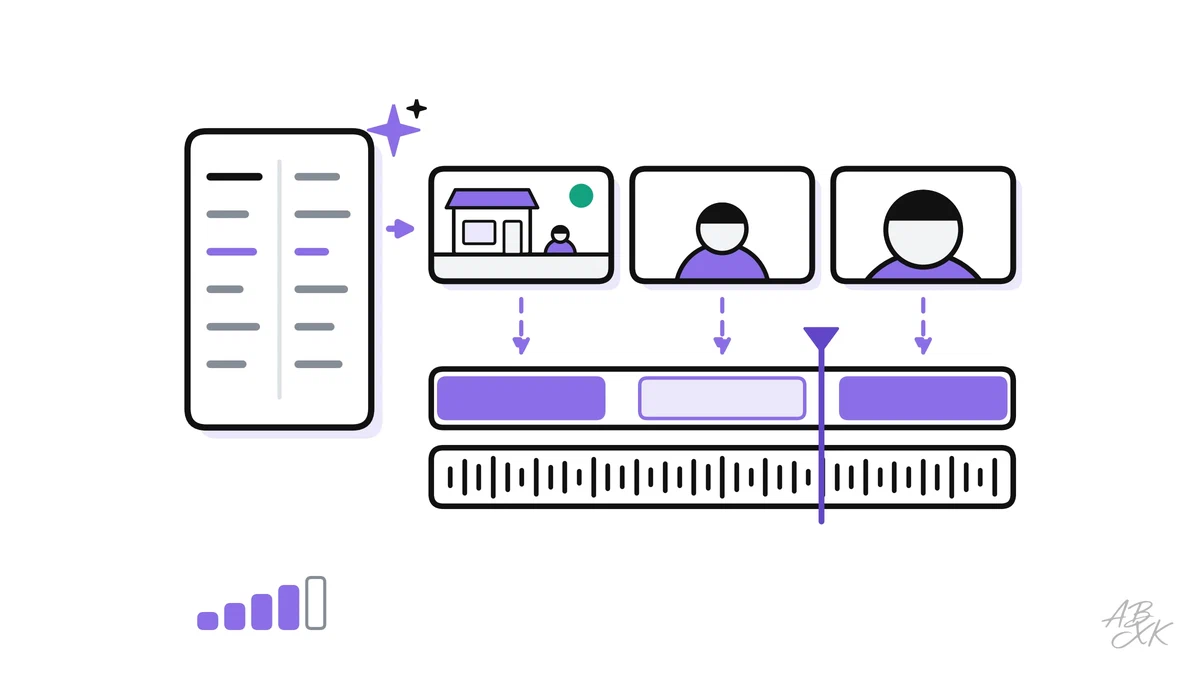
Edit Audio and Video with AI: Transcripts, Cuts, Clips
Edit recordings through the transcript, remove filler words, clean up the sound, add captions and cut clips — with consent rules and checks before you publish.
Level 2 · Part 5
How to Check AI Output: Hallucinations, Facts, Quality
Six kinds of errors in AI output, a five-step checking routine, lateral reading, second-model checks — and when to stop using AI for a task.

Level 3 · Advanced
Automate, integrate and measure: AI as part of your systems.
Level 3 · Part 1
Choose the Right LLM for the Task
How language models differ in reasoning, coding, speed, context and openness — and how to test two or three of them on your own task.
Level 3 · Part 2
Build a Personal AI Workflow: Chain Tools, Save Hours
Turn a recurring task into a chain of AI tools: map the steps, pick one tool per step, plan handoffs and checks, and measure the time you really save.
Level 3 · Part 3
Text-to-Video: From Script to Finished Clip
Plan a short AI video shot by shot: script, shot list, one prompt per shot, consistent characters, editing and sound — plus avatars, limits, labels and rights.
Level 3 · Part 4
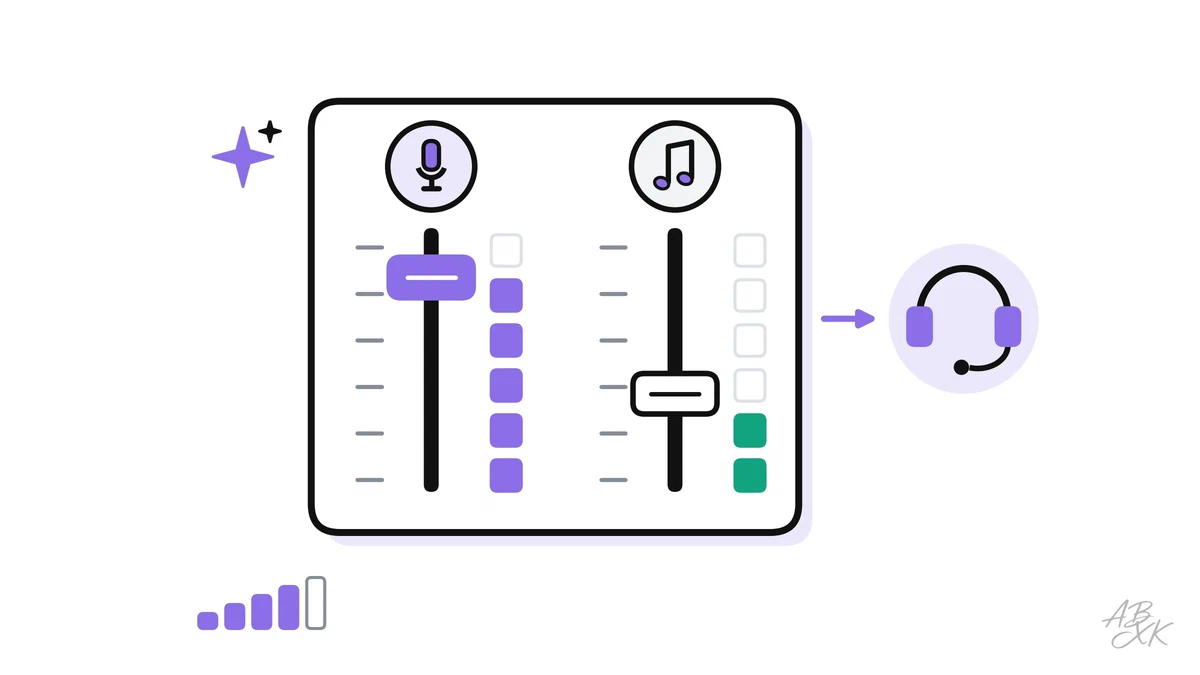
AI Voice and Music for Your Content
Make AI voiceovers and music for your content: stock, designed or cloned voices, consent, pronunciation, music prompts, licenses, mixing and labels.
Level 3 · Part 5
Reusable Prompt Templates and Custom Assistants
Turn prompts that work into templates with variables, keep them in a shared library, build custom assistants, version every change and keep sensitive data out.
Level 4 · Expert
Strategy, architecture and evaluation at the level of specialists.
Level 4 · Part 1
Measure AI Productivity Gains: Time, Quality, Cost per Task
How to prove whether AI really saves time: baselines, quality rubrics, error and rework rates, cost per task, fair comparisons and a measurement log.
Level 4 · Part 2
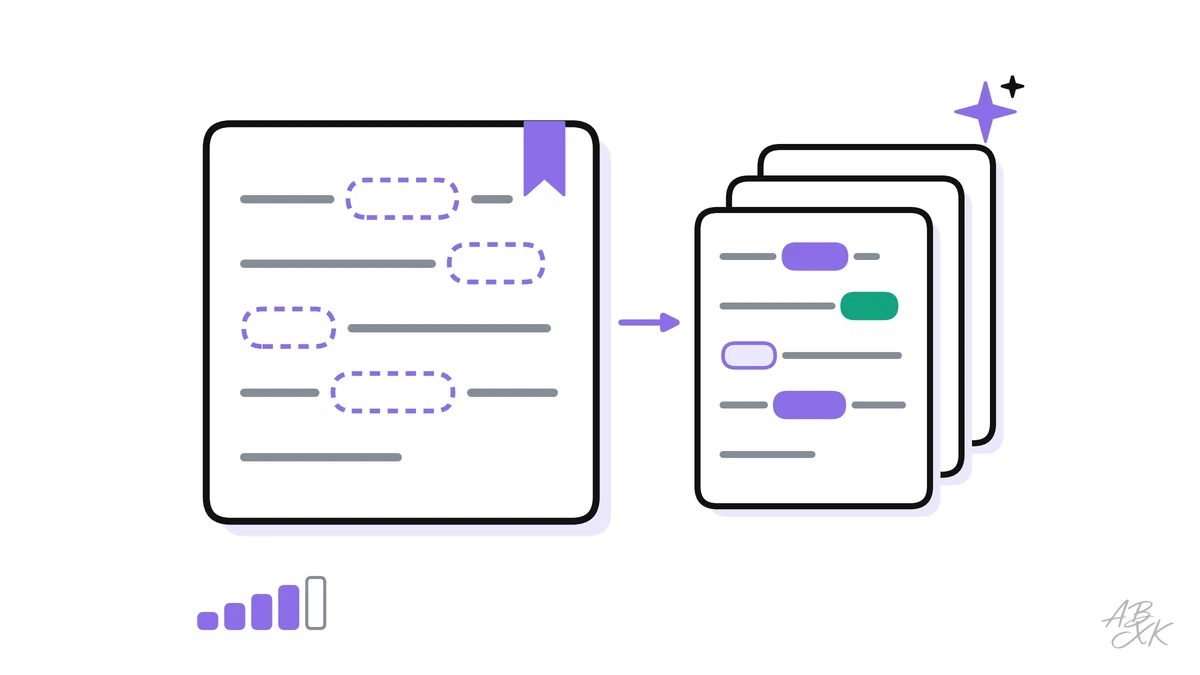
Context Engineering: Working with Long Documents
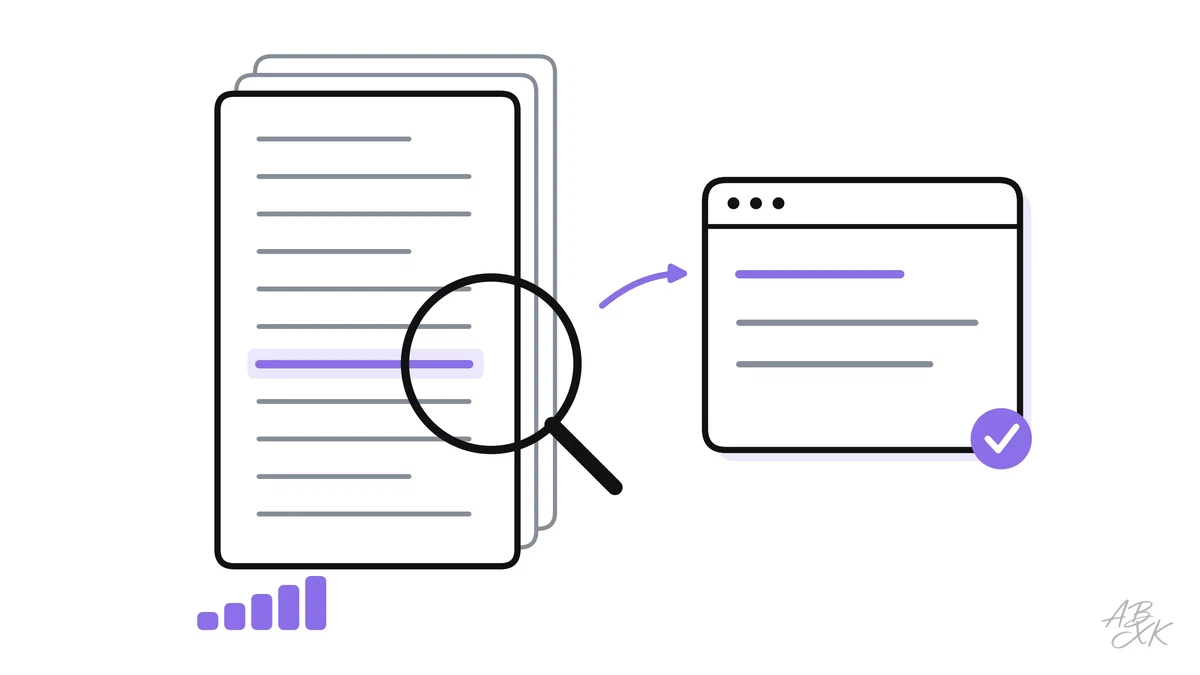
Why AI assistants miss details in long documents and how to fix it: context windows, lost in the middle, chunking, retrieval and citations you can check.
Level 4 · Part 3
Build a Multimodal Content Pipeline: Text, Image, Video, Voice
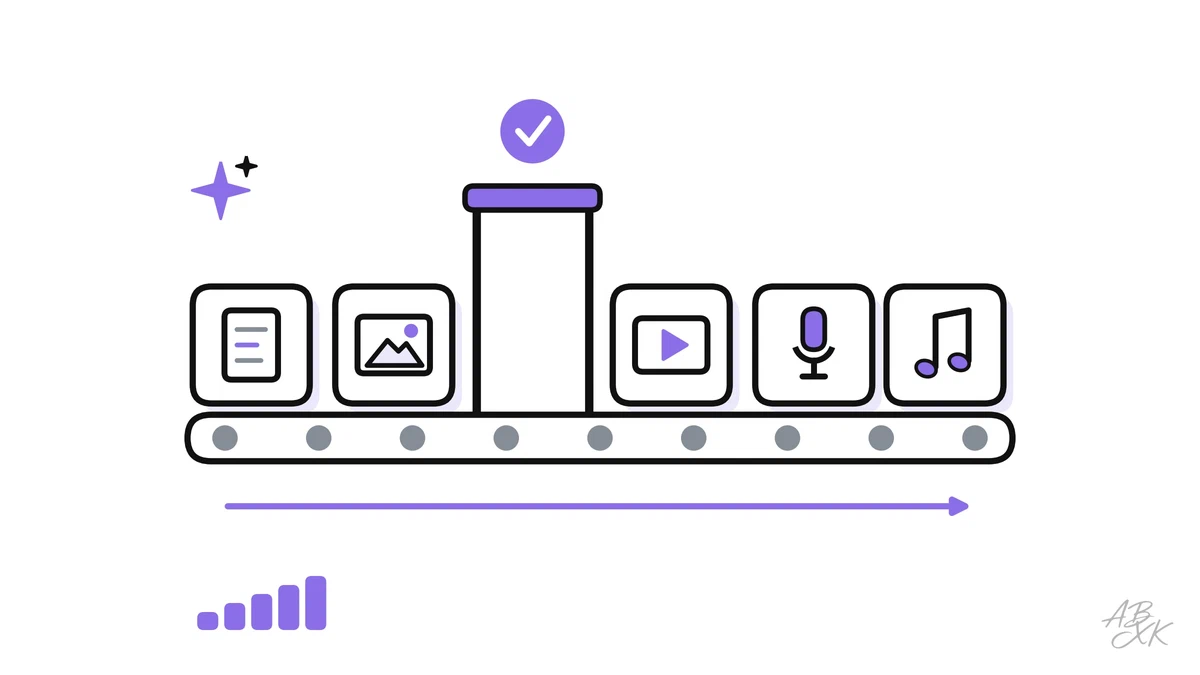
Turn one idea into an article, images, a short video, a voiceover and music — with style guides, asset records, review gates, clear rights and metrics.
Level 4 · Part 4
Read LLM Benchmarks Like an Expert
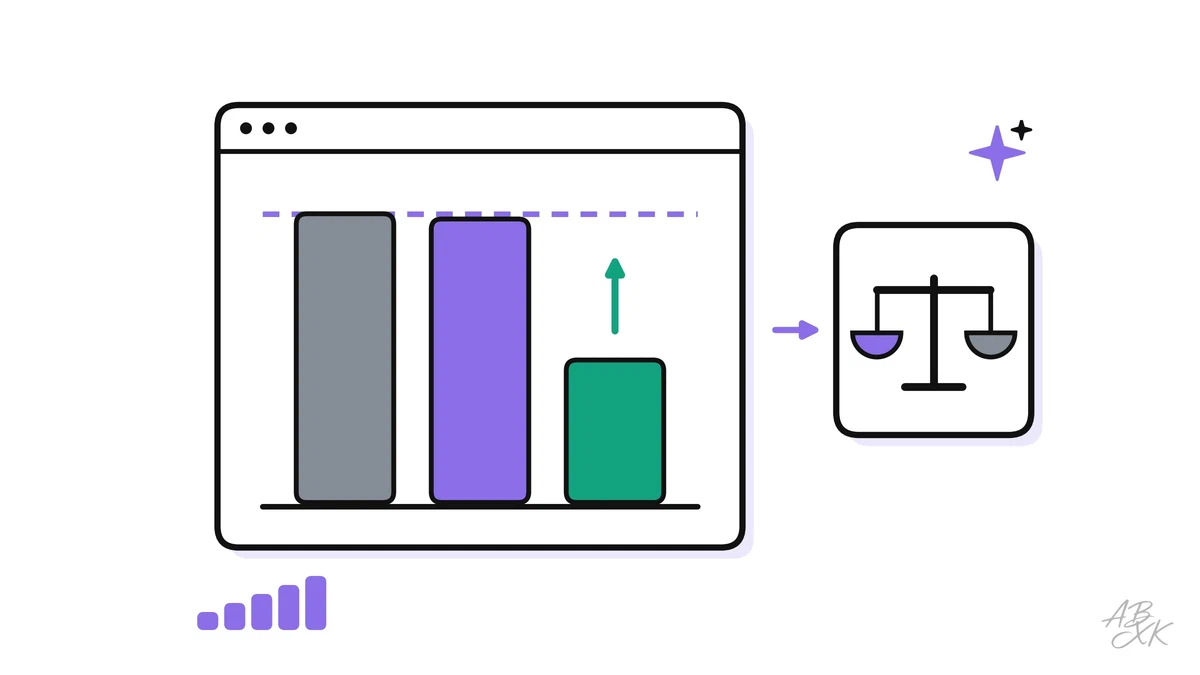
What LLM benchmarks really measure, why tests saturate, how contamination and settings distort scores — and how to use benchmark data to choose a model.
Level 4 · Part 5
Test and Evaluate Your Prompts Like Software
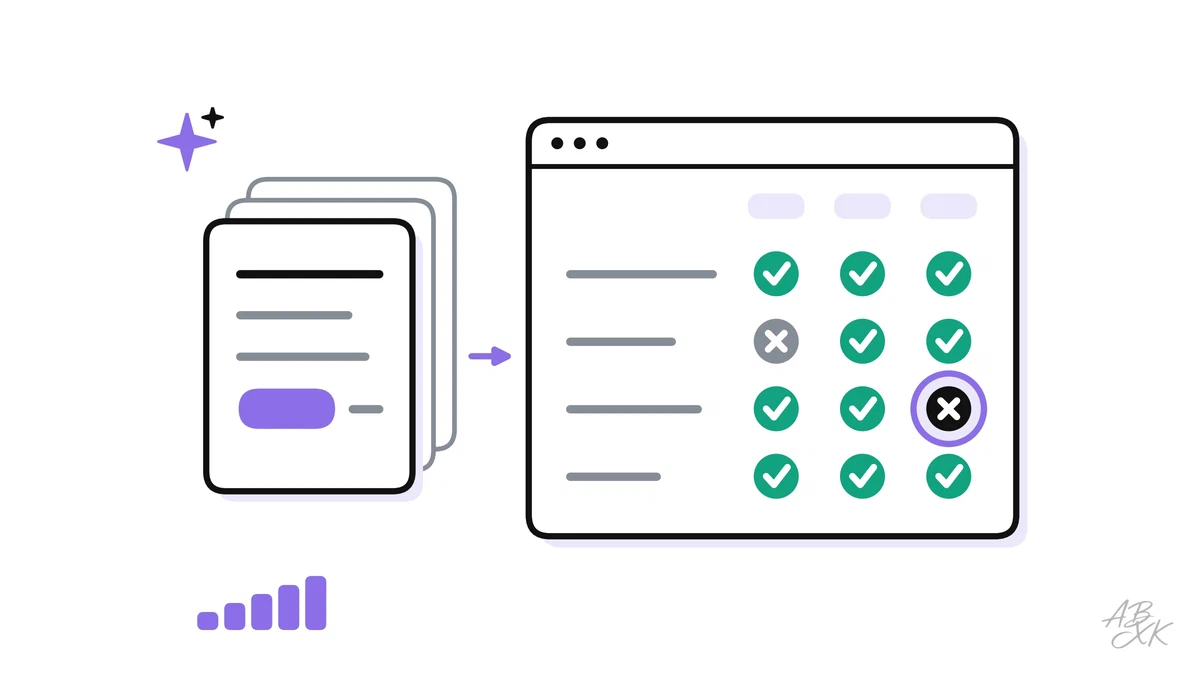
Build a test set from real inputs, score outputs with rubrics and automatic checks, use an AI judge with care and catch regressions when models change.
Tools and data for this path
66 Tools in AI Productivity Compare all tools 343 language models in the LLM database