

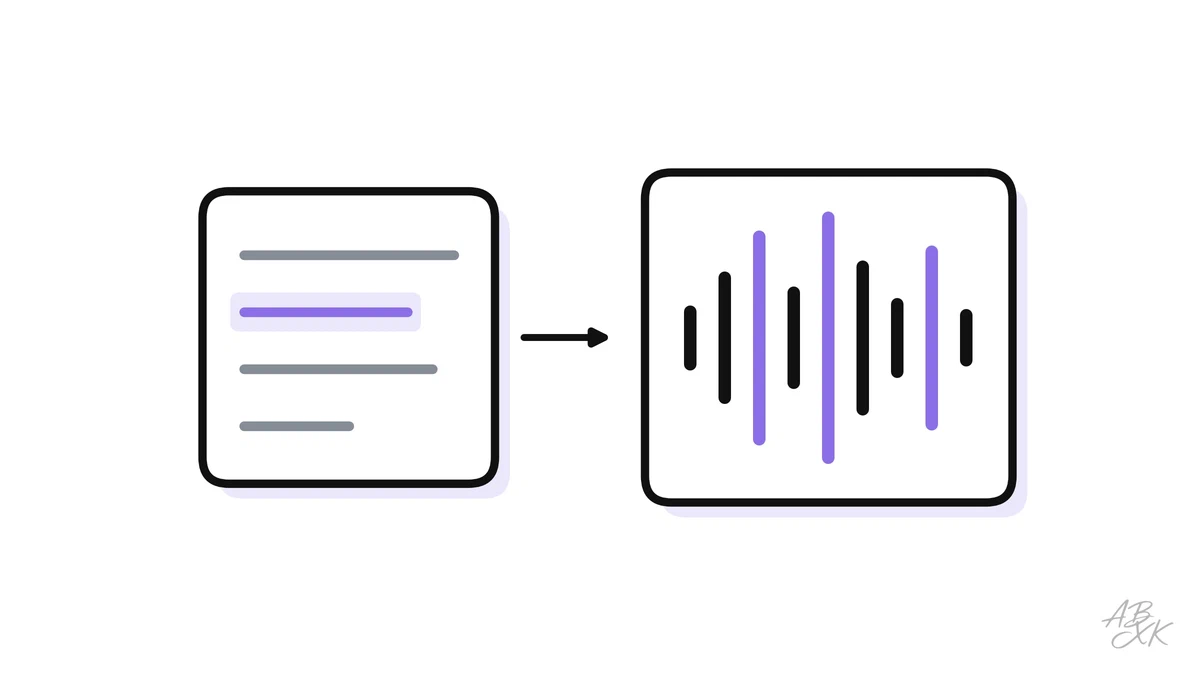
A voice generator can mean an app that reads your script in a studio voice, or an API that lets a product speak. Rankings rarely separate the two, so the same name can be first on one list and missing on the next.
For this list we took six published rankings: one blind comparison, in which people vote without knowing which model spoke, three editorial lists and two lists from vendors. Then we checked which tools each of them puts in its top ten. The more rankings name a tool, the higher it stands here. When two tools are named equally often, the one with the better average place comes first.
We count a vendor’s list, but never the vendor’s own product. We have not tested these tools ourselves.
The top 10

1. ElevenLabs
AI voices for text to speech, voice cloning, dubbing and voice agents, with APIs for developers. Voice cloning is also why the technology matters for deepfakes; our AI Security section explains what to look for.
Create lifelike speech with our AI voice generator and voice agents platform. Access 5,000+ voices in 90+ languages with secure APIs and SDKs.

2. Murf AI
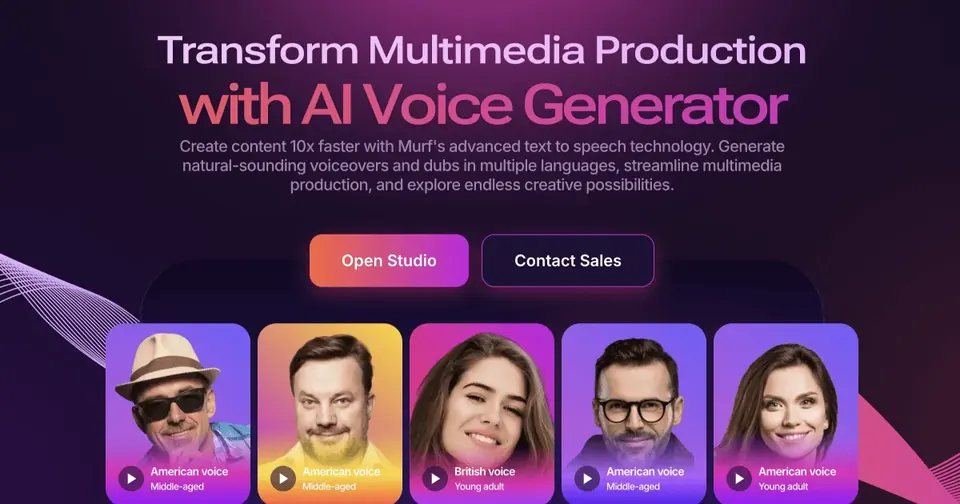
Generates voiceovers from text and dubs videos into other languages, also through an API. A direct alternative to ElevenLabs; compare voices in your language before you choose.
Generate human-like speech and deploy Conversational agents with Murf AI. The complete AI Voice platform trusted by 10 million+ developers, businesses, and creators.

3. Speechify
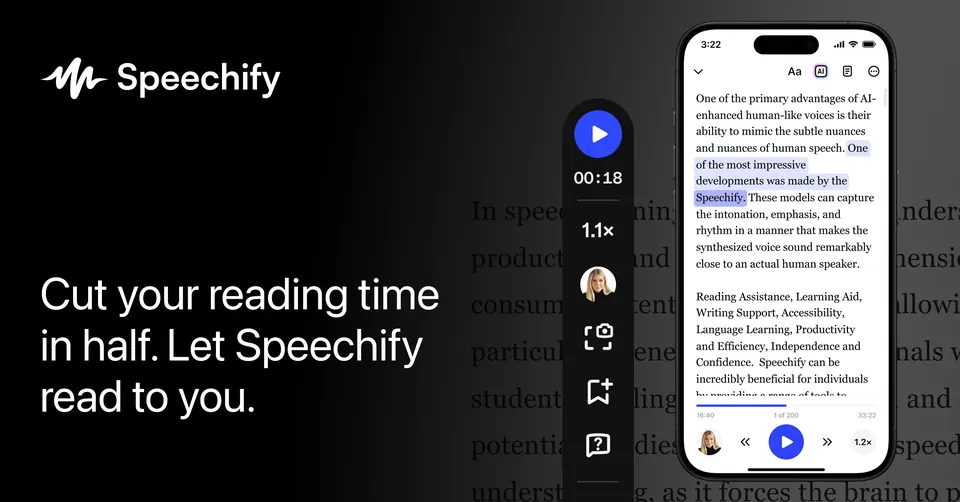
Best known as a reading app: it turns articles, PDFs and books into audio, which helps with studying and accessibility. A separate studio product covers voiceovers.
Speechify reads anything aloud to you. Listen to books, PDFs, or web pages anytime with natural voices. Try Speechify free.

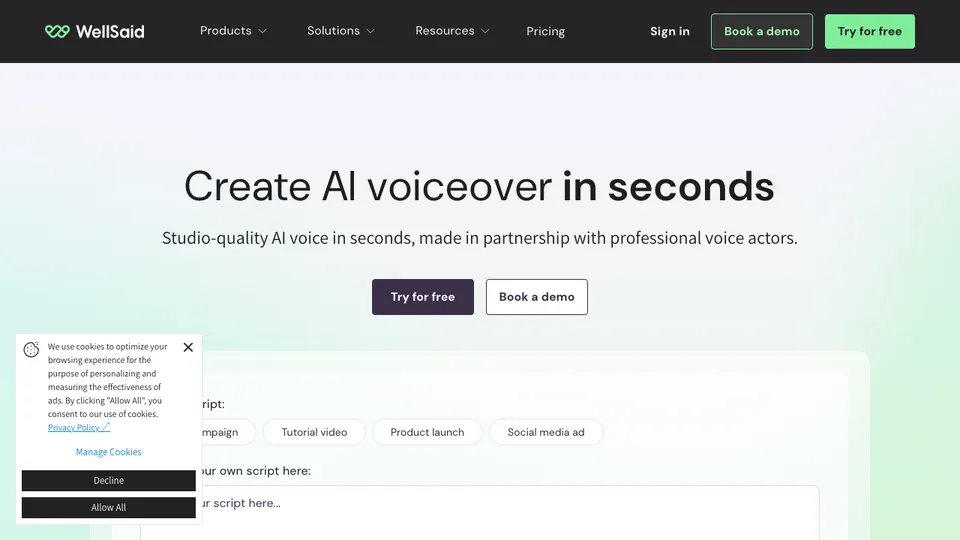
4. WellSaid
A curated set of polished voices for companies. Rankings point to word-level control over pronunciation and pacing, and to its focus on e-learning and corporate narration.
Create professional-quality voice overs in any dialect or production style with our secure AI voices. Try WellSaid’s text-to-speech AI voices for free today.

5. LOVO
Voiceovers for ads, social clips and training, with a large voice catalog and controls for emotion. When we collected the data on October 12, 2026, the vendor’s website was temporarily unavailable.

6. Google Cloud Text-to-Speech
A developer service, not an app. You send text and get audio back, at scale and in many languages. Google’s newer Gemini voices rank high in the blind comparison we looked at.
Convert text to lifelike audio with Gemini-powered AI voices. Choose from 380+ natural-sounding voices across 75+ languages and variants.

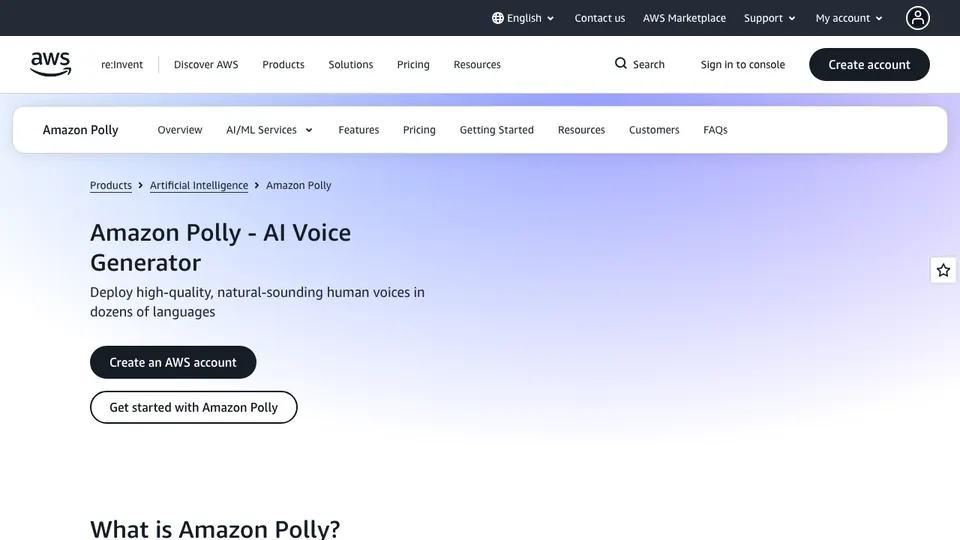
7. Amazon Polly
The speech building block inside AWS. Reliable and easy to scale for teams already on Amazon’s cloud; less about expressive voices, more about infrastructure.
Amazon Polly turns text into lifelike speech, allowing you to create applications that talk and build entirely new categories of speech-activated applications.

8. Fish Audio
A newer name that two of our sources rank near the top, praised for natural voice cloning. Cloned voices are also the technology behind audio deepfakes — see AI Security on how to spot a deepfake.
Studio-grade AI text-to-speech and voice cloning. Start using free industry-leading voice generator today with emotion control and 2m+ voices in 8 languages.

9. Hume AI (Octave)
Hume’s Octave model lets you describe the voice you want in words instead of choosing from a list. Its focus is emotional expression, also for real-time voice agents.
Hume helps frontier labs and enterprises build more emotionally intelligent voice AI through voice-native evaluation, human judgment, and evidence that guides improvement.


10. Inworld
Speech for products that talk back in real time. It is in the top ten of the blind comparison we looked at and targets developers who build voice agents and game characters.
Realtime TTS and STT models, LLM serving, and the inference behind both, all through modular APIs. Customers cut voice and AI costs 40% to 95% after moving to Inworld.

Not on the list
- Playht (in 4 of 6 rankings): The vendor's website can no longer be reached (checked on October 12, 2026); the lists that name PlayHT apparently predate this change.
The rankings we counted
| Source | Type | Dated |
|---|---|---|
| Artificial Analysis Text-to-Speech Arena artificialanalysis.ai | Blind comparison | 2026 |
| Zapier zapier.com | Editorial list | 2026-09 |
| AI Comparison aicomparison.ai | Editorial list | 2026-06 |
| WP Reset wpreset.com | Editorial list | 2025-09 |
| Subclip subclip.app | Vendor's list | 2026-05 |
| Typecast typecast.ai | Vendor's list | 2025-09 |
Collected on October 12, 2026. Vendors' lists count, but not for the vendor's own product.
What the count shows
ElevenLabs is the only tool on all six lists, and it is first on four of them. Murf AI, Speechify and WellSaid follow with five lists each.
The lower half of the ten is infrastructure: Google Cloud Text-to-Speech and Amazon Polly are services for developers, not apps. In the blind comparison Google’s newer voices are in the top five, while the creator apps from the editorial lists — Murf AI, WellSaid, LOVO — do not appear in its top ten at all.
Most of these tools can also clone a voice from a short recording. That is useful for your own narration, and it is the same technology that makes fake audio possible. What to listen for is covered in AI Security.
Which tool for what
| If you need | Look at | What the rankings say |
|---|---|---|
| Expressive narration in many languages | ElevenLabs | On all six lists |
| Voiceovers for slides and training videos | Murf AI | Built-in video and slide editor |
| Listening to documents and PDFs | Speechify | A reading app first |
| Polished voices for company content | WellSaid | Word-by-word control |
| Voiceover and video editing in one tool | LOVO | Large voice catalog |
| Speech in your own product, at scale | Google Cloud Text-to-Speech or Amazon Polly | Cloud APIs for developers |
| Designing a voice from a description | Hume AI | Focus on emotional tone |
You can filter all tools on this list, and more, by area in the comparison table and put them side by side.